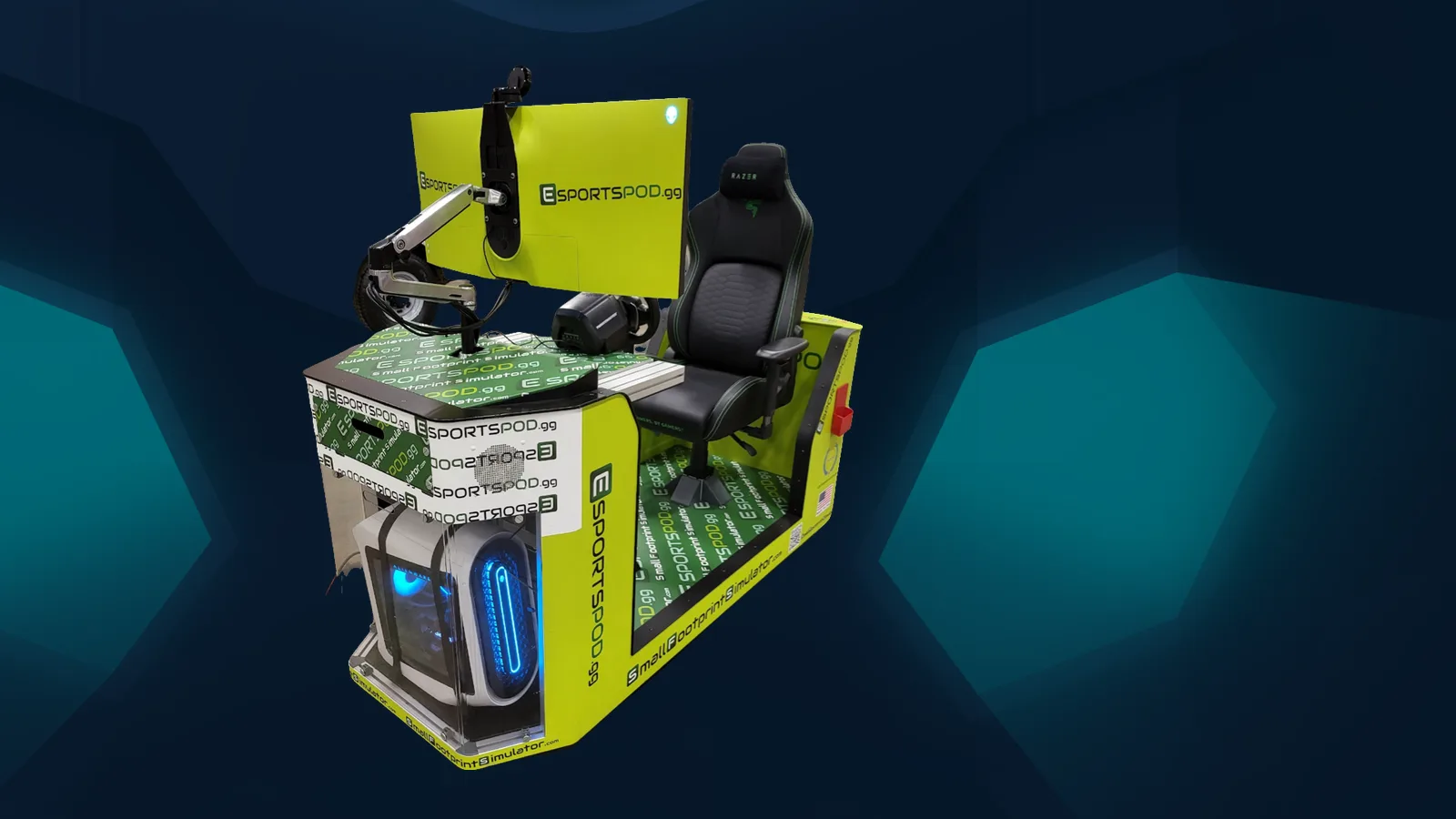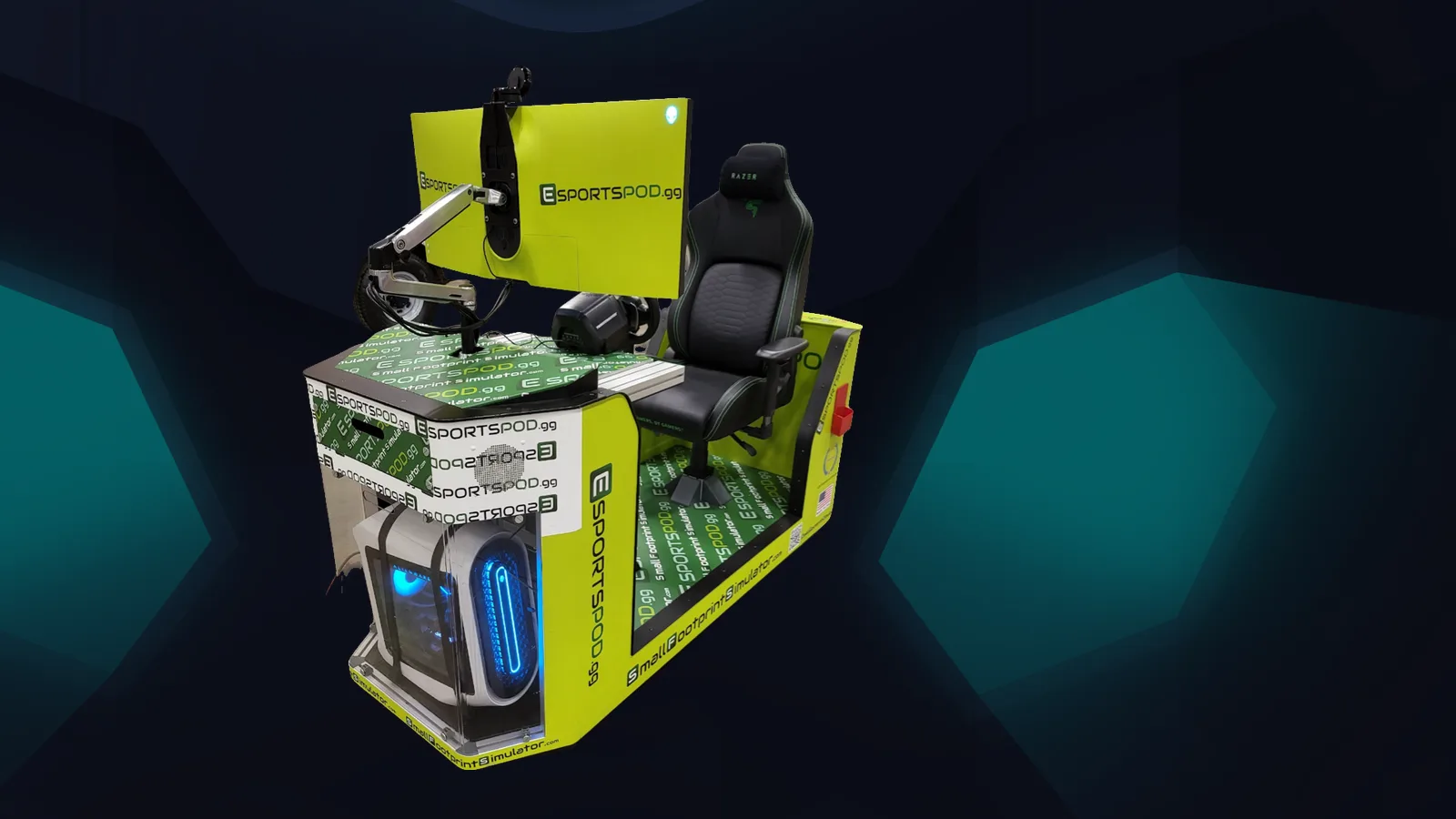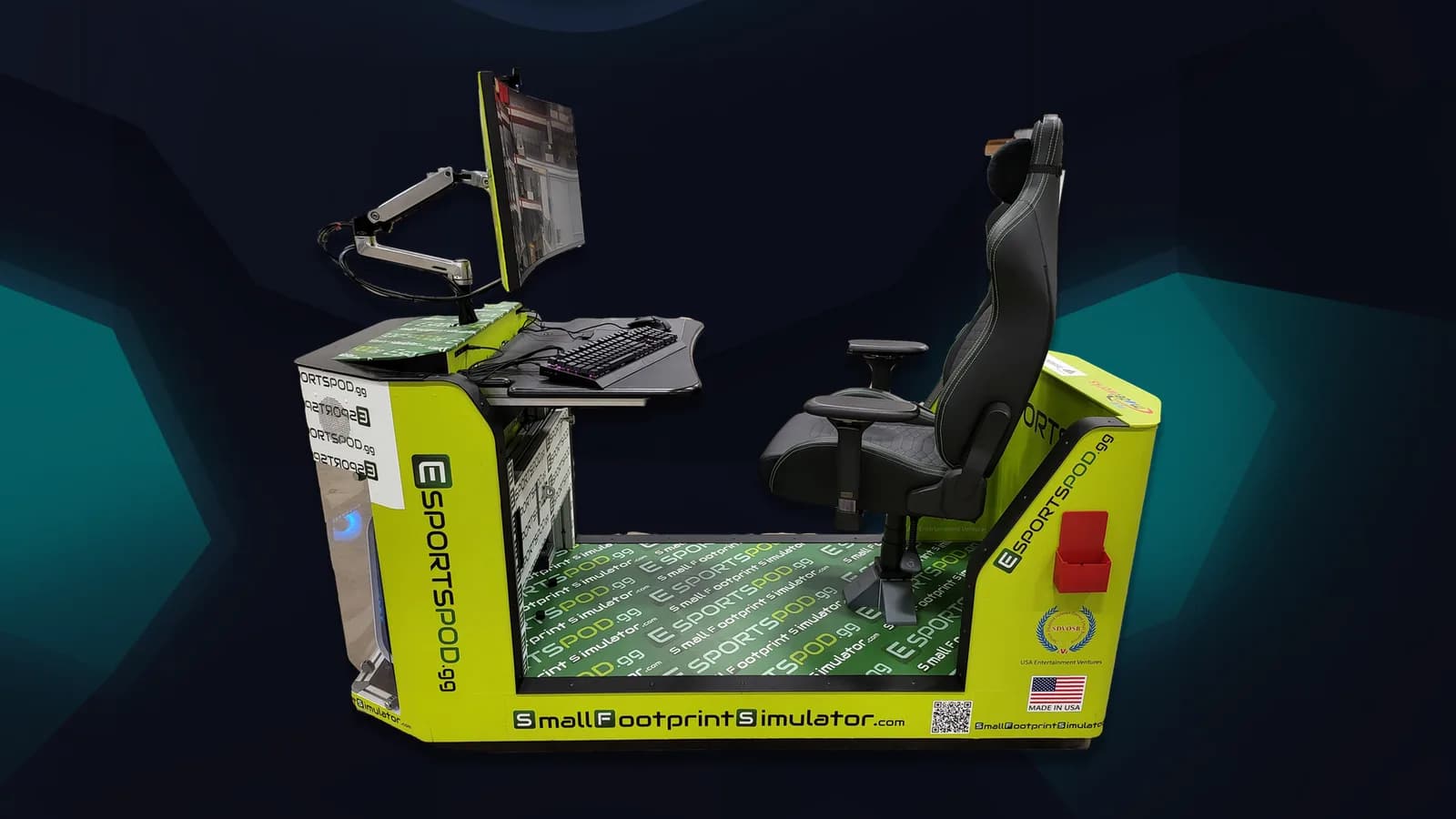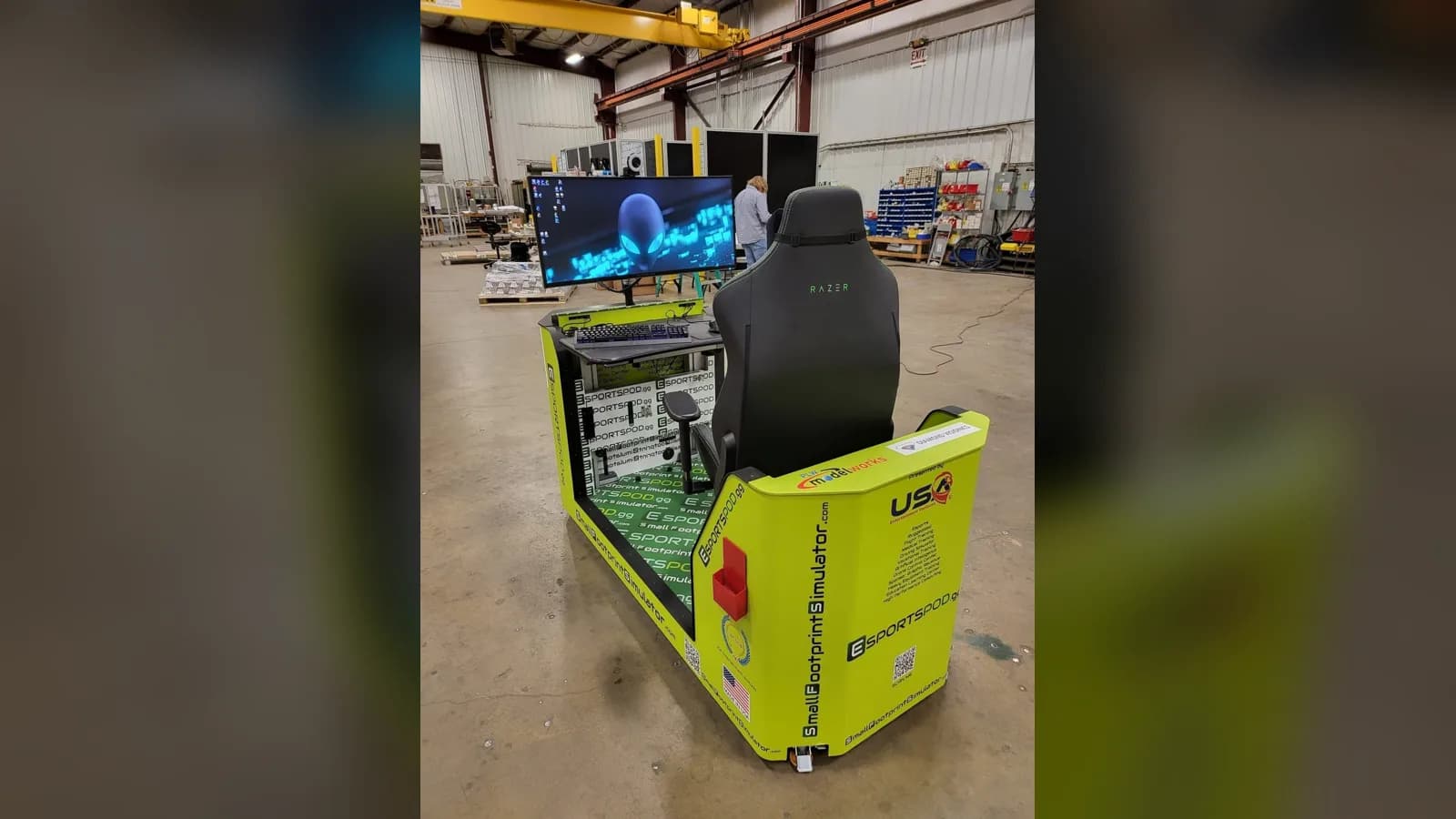
An Esport Pod runs on a standard 110V outlet and includes its own modem and built-in Wi-Fi. That covers the basics, but your building, your network team and your deployment size all shape the details, so confirm them with your quote before installation day.
This is the plain-English version of what IT directors and facilities managers ask us most about Esport Pod by Sports Media, Inc.
Key takeaways
- Each pod runs on a standard 110V outlet.
- Each pod includes a modem and built-in Wi-Fi.
- We don't publish a bandwidth number here; confirm requirements with your quote.
- Online play always adds ping, no matter how identical the hardware is.
- Count outlets and ask about shared circuits before delivery.
What power does an Esport Pod need?
A standard 110V outlet, the kind you find in most U.S. classrooms, libraries and recreation centers. That's one of the reasons the pod works in places that were never designed as computer labs.
Two practical points. First, a pod is a full gaming PC, a 38-inch curved monitor and accessories, so treat it like a serious load rather than a phone charger. Second, a room with several pods puts several loads on whatever circuit feeds it. We won't guess your building's wiring from here. Ask your facilities team which circuits serve the room, and confirm the details with your quote contact.
Do the pods need a separate internet connection?
Every pod includes a modem and built-in Wi-Fi, so it is designed to get online without you rebuilding your wiring. Whether you use that, your campus network or a mix is a decision for your IT team.
Some districts prefer to keep gaming traffic separate from student information systems. Others want everything under one filter. Both are reasonable. What matters is that someone makes the call before launch rather than after the first complaint.
How much bandwidth does an Esport Pod need?
It depends on the games, the number of pods online at once and whether anyone is streaming. We aren't going to invent a figure for a blog post, and you shouldn't trust a generic one either.
Instead, tell your quote contact how many pods you're deploying, which titles you plan to run, and whether you want to stream with the Razer Kiyo camera. They can confirm what to plan for. Then share that with whoever manages your connection.
Will online play be fair between schools?
Not perfectly. Every pod ships with identical hardware, which removes the "my computer is better" argument. But identical network conditions only hold at in-person LAN events. Online play across distance always adds ping, and some players will have more of it than others.
If fairness matters for a competition, run it as a LAN. Bring the pods to one room, plug them into the same network, and the playing field is as even as it gets.
What should you check before delivery?
- Count the outlets near each planned pod position.
- Ask facilities about shared circuits and any limits on the room.
- Decide whether pods will use the built-in Wi-Fi, your network, or both.
- Tell your filter administrator about the new devices.
- Get power and network requirements for your deployment size in writing with the quote.
| Question | Answer we can give | Who confirms the rest |
|---|---|---|
| Outlet type | Standard 110V | Facilities |
| Internet | Modem and built-in Wi-Fi included | Your IT team |
| Bandwidth | Varies by deployment | Your quote contact |
| Online fairness | Identical hardware, variable ping | Event organizer |
What about moving pods around?
Pods roll on wheels, fit through standard doors and into elevators, and have a small footprint, so relocating one for an event is realistic. The catch is that a new room has its own outlets and its own network coverage. Check both at the destination first, and keep a short list of where each pod can be plugged in.
Frequently asked questions
Can I plug a pod into any wall outlet?
A pod is designed for a standard 110V outlet, so most wall outlets work. Still, check that the circuit isn't already heavily loaded, especially if you plan to place multiple pods in a single room. Your facilities team can tell you what else shares that circuit.
Do I need to buy a separate modem?
No. Each pod includes a modem and built-in Wi-Fi. Your IT team may still choose to connect pods through your own network for filtering or monitoring, and that is a policy decision. Confirm the setup you prefer with your quote contact before installation.
Does Wi-Fi quality affect gameplay?
Yes. Any online game is sensitive to connection quality, and online play across distance always adds ping. For local tournaments where fairness matters, run a LAN event with all pods in one room, which gives every player the same network conditions.
Where do I get exact specifications for my deployment?
Ask for them with your quote. Requirements vary with the number of pods, the room and the titles you plan to run, so we recommend confirming specifics in writing instead of relying on a general article. The contact address is admin@fanz.gg.
Next step
If you're sizing a room, book a demo and bring your facilities and network questions. You can review the hardware on the products page, or send details through contact us.