Keyboards matter in competitive play because they sit at the start of every input chain: key press, signal, game, screen. A good keyboard won't make you a better player, but it can remove small delays and inconsistencies that add up. Latency is the total time between your action and what you see, and the keyboard is only one piece of it.
Key takeaways
- Latency is a chain: keyboard, connection, PC, game, monitor.
- Wired connections and high polling rates reduce keyboard-side delay.
- Switch type affects feel and actuation, not skill.
- Monitor refresh rate and response time often matter as much as the keyboard.
- Comfort and consistency beat spec-sheet chasing.
What is input latency, and why does it matter?
Input latency is the delay between pressing a key and seeing the result on screen. In a fast game, even small delays can affect timing, and players often feel inconsistency before they can measure it.
It's worth keeping perspective. Network lag, game frame rate and display delay often dwarf a keyboard's contribution. Still, in competitive play you control hardware choices, so you control what you can.
How do keyboards affect latency?
Through scan rate, polling rate, switch design and connection type. Each adds or removes a sliver of time.
- Polling rate: how often the keyboard reports to the PC. Many gaming keyboards advertise 1000 Hz, and some go higher.
- Connection: wired is the safe default. Modern wireless can be very good, but quality varies.
- Debounce handling: some keyboards add a short delay to filter false presses. Better firmware keeps it small.
- Switch design: mechanical, optical and magnetic switches differ in actuation distance, reset behavior and feel.
Manufacturer claims differ, and independent testing is more reliable than marketing numbers. Treat any single figure with caution.
Do mechanical switches really matter?
They matter for feel, durability and customization, and some designs offer adjustable actuation. They don't make anyone aim better.
Linear switches feel smooth and are popular in games. Tactile switches give feedback, which some players prefer for typing. Optical and magnetic switches can offer fast actuation and adjustable sensitivity, which helps in games with rapid taps or movement control. The best switch is the one you can use accurately for hours without fatigue.
What else in the chain matters more?
Often the display and the game settings. A monitor with a high refresh rate and fast response shows your input sooner and more smoothly than a slow one, whatever keyboard you use.
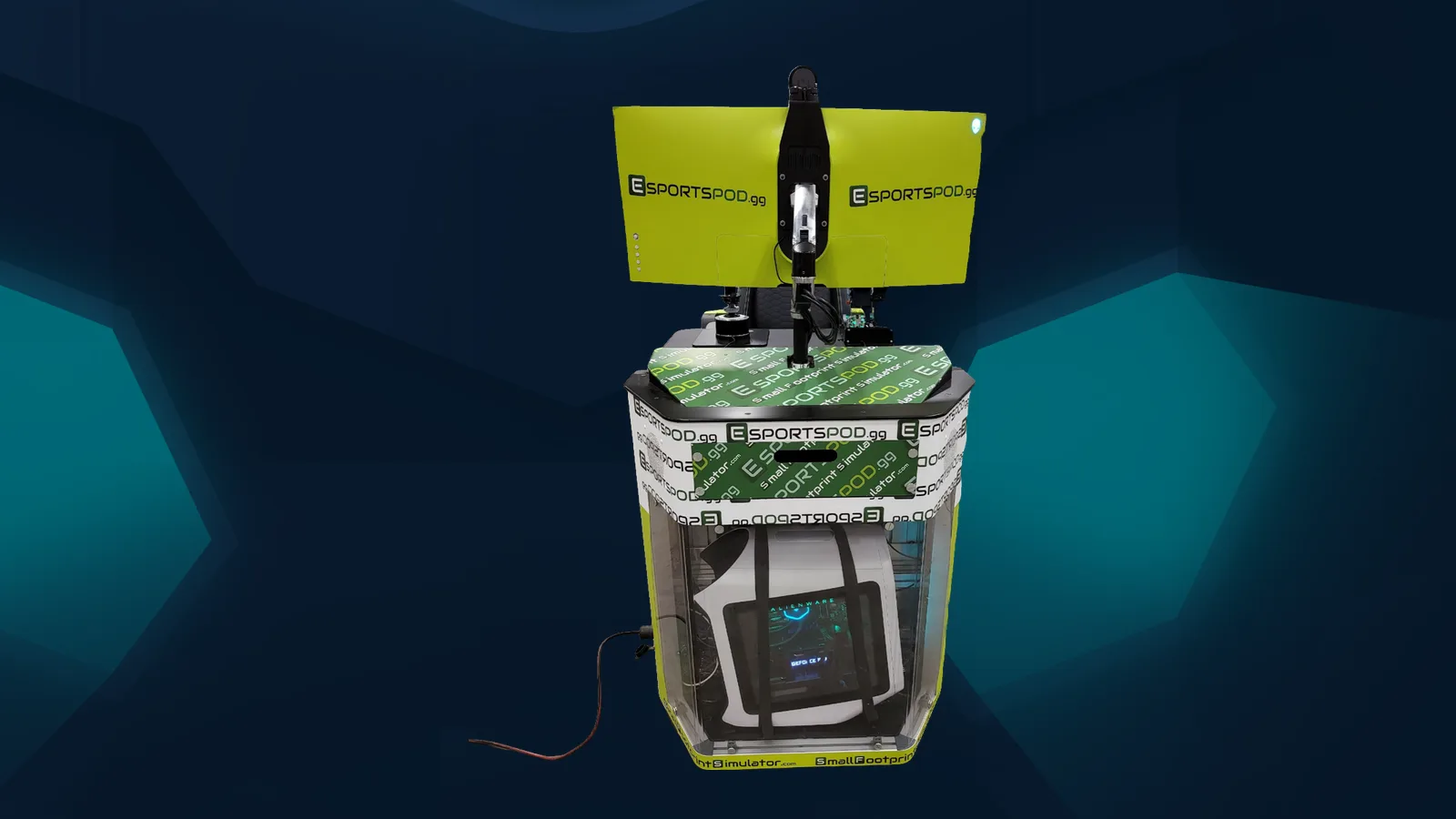
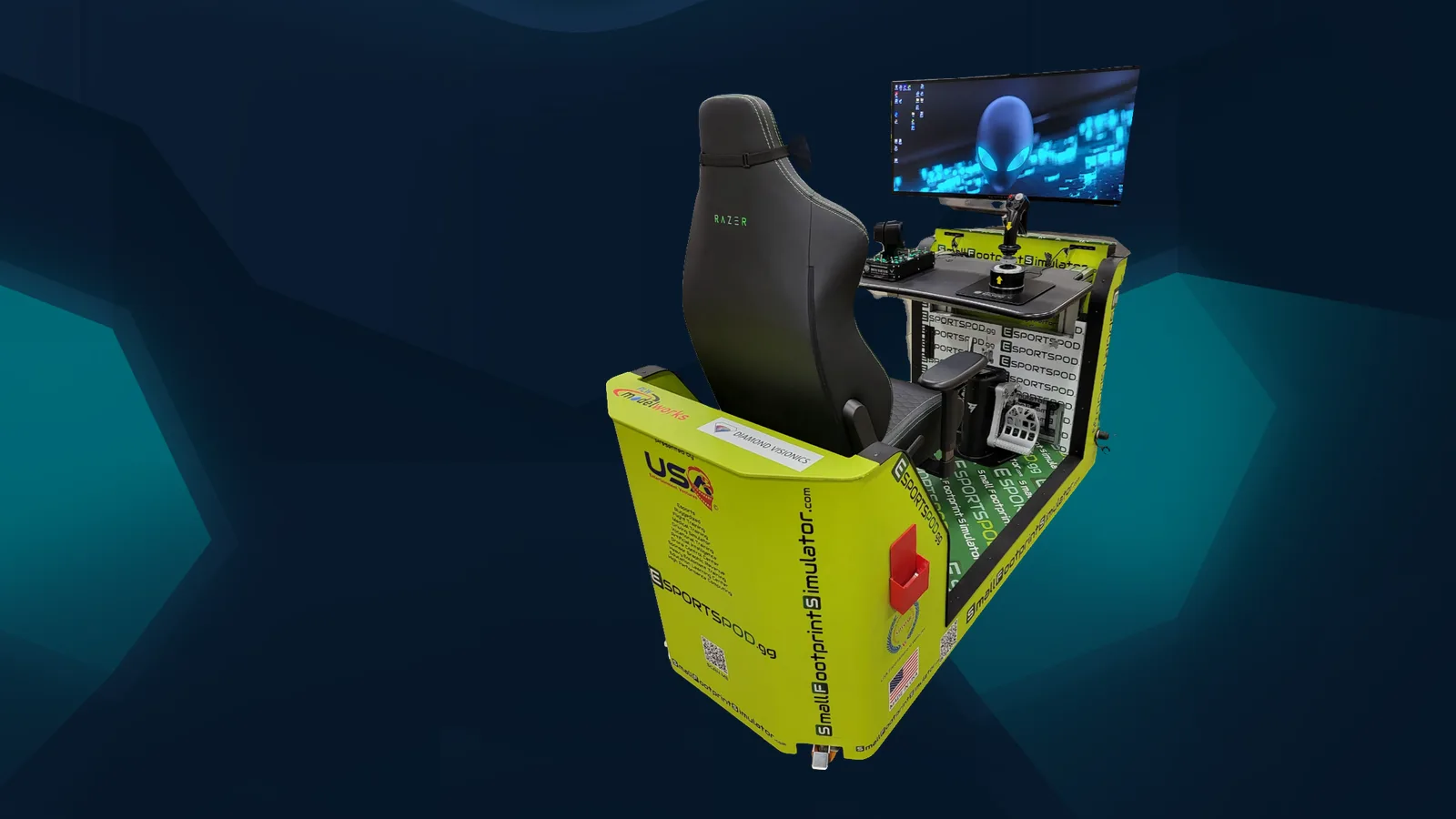
The Alienware 38-inch curved monitor in an Esport Pod by Sports Media, Inc. runs at 3840x1600, 144 Hz with a 1 ms response time, and a Razer headset and chair round out the station. It's a good reminder that a competitive setup is a system. See the full list on our products page.
Network matters too. Online play across distance always adds ping, so it can't give players identical conditions. Only in-person LAN events do that, which is why serious tournaments often gather players in one room. Our global esports page covers how events like that work worldwide.
How should you choose a keyboard for competitive play?
Pick for comfort, reliability and the games you play. Spec chasing is a trap.
- Try before you buy if you can. Feel is personal.
- Prefer wired for tournaments unless you trust a specific wireless model.
- Check polling rate and firmware support.
- Choose a layout that fits your desk space and mouse movement, such as a compact or tenkeyless board.
- Keep it consistent. Use the same model for practice and events.
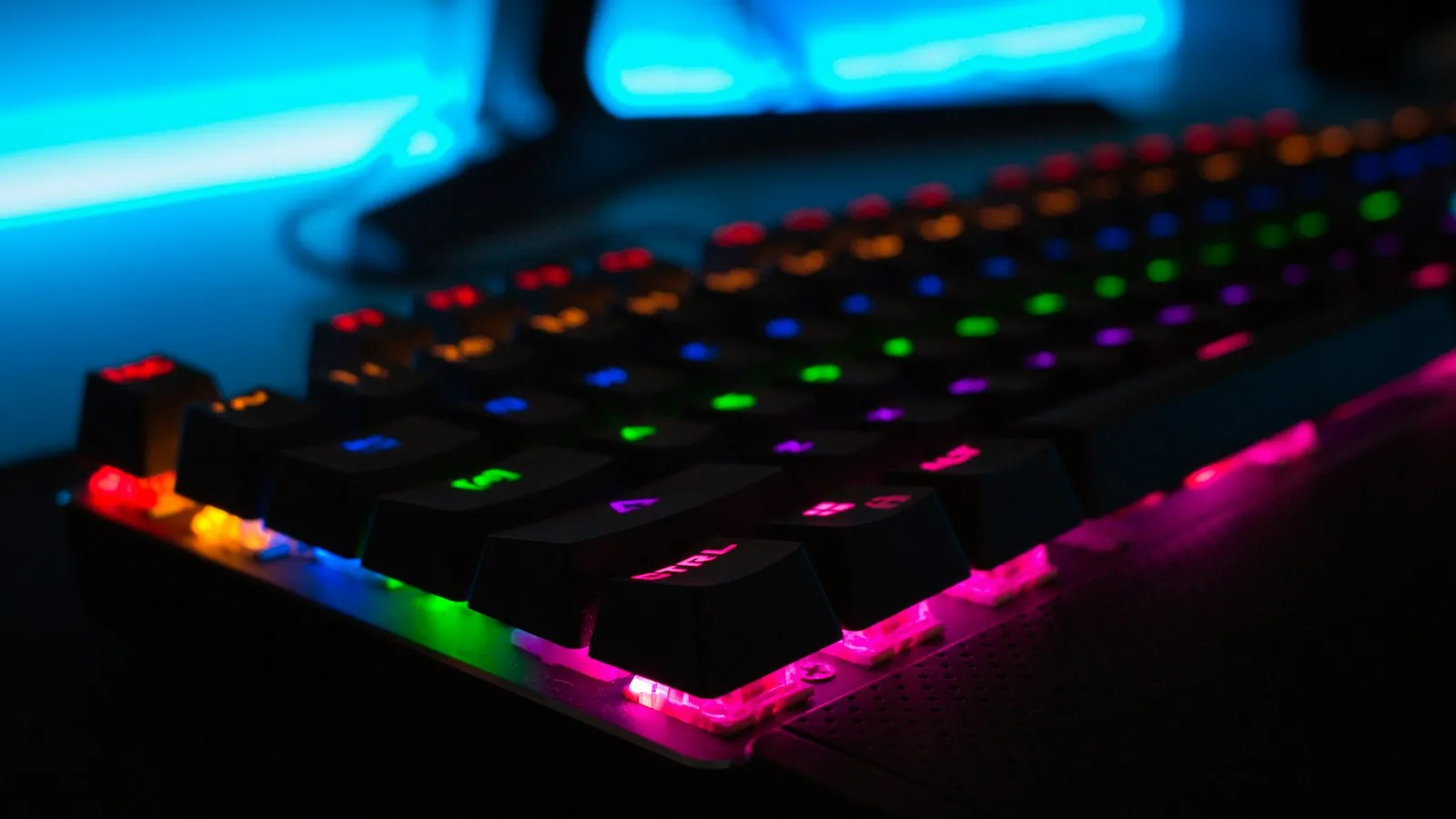
RGB lighting is fun and cosmetic. It won't help you win. Brands that sponsor teams often care about it, though, which is a conversation for another day.
Frequently asked questions
Does a better keyboard improve my aim or reaction time?
No. A better keyboard can reduce delay and improve consistency, but it won't change your reflexes or aim. Practice and game knowledge matter far more. Think of hardware as removing obstacles rather than adding skill.
Is a wired keyboard better than wireless for esports?
Wired is the safest choice, since it avoids interference and battery concerns. Good modern wireless keyboards can perform very well, and many pros use wireless gear. Check independent reviews and test any wireless model before relying on it at a tournament.
What polling rate should a gaming keyboard have?
Many gaming keyboards use 1000 Hz, which is generally sufficient for most players. Higher rates exist, but the practical benefit is smaller and depends on your system. Focus first on a stable setup, a good display and consistent settings.
Why do tournaments use identical equipment?
Identical gear removes hardware as a variable, so results reflect player skill. Esport Pod ships with identical hardware for the same reason. Identical network conditions only hold at in-person LAN events, not across online matches over distance.
If your program wants consistent hardware for every player, see how a pod demo works.