Sim racing in the classroom works because a racing simulator turns physics, data and engineering into something students can feel. With a Thrustmaster T248 RS GT wheel, pedals and shifter on an Esport Pod by Sports Media, Inc., a teacher can connect a lap around a virtual track to friction, weight transfer and measurable improvement.
Key takeaways
- Racing sims make forces like grip, braking and weight transfer visible and testable.
- Lap data gives students a real reason to read graphs and compare runs.
- The T248 RS GT wheel set, pedals and shifter are available for the pod at $599.99.
- The projector slot shows the screen on a classroom wall for group analysis.
What STEM concepts can sim racing teach?
Quite a few. Any car on a track is a live demonstration of forces, energy and control, and students care about the result because they want a faster lap.
- Physics: friction and grip, inertia, braking distance, and how weight shifts under acceleration and cornering.
- Math: comparing lap times, averaging, rates of change and reading graphs.
- Engineering: setup choices such as gearing, brake balance or tire selection, and how each trades off against another.
- Computer science: how simulations model reality, and where they approximate it.
Which of these you cover depends on the software you choose and what your standards require. We don't prescribe a curriculum, and we won't pretend a single game replaces a physics lab.
How do you use data in a sim racing lesson?
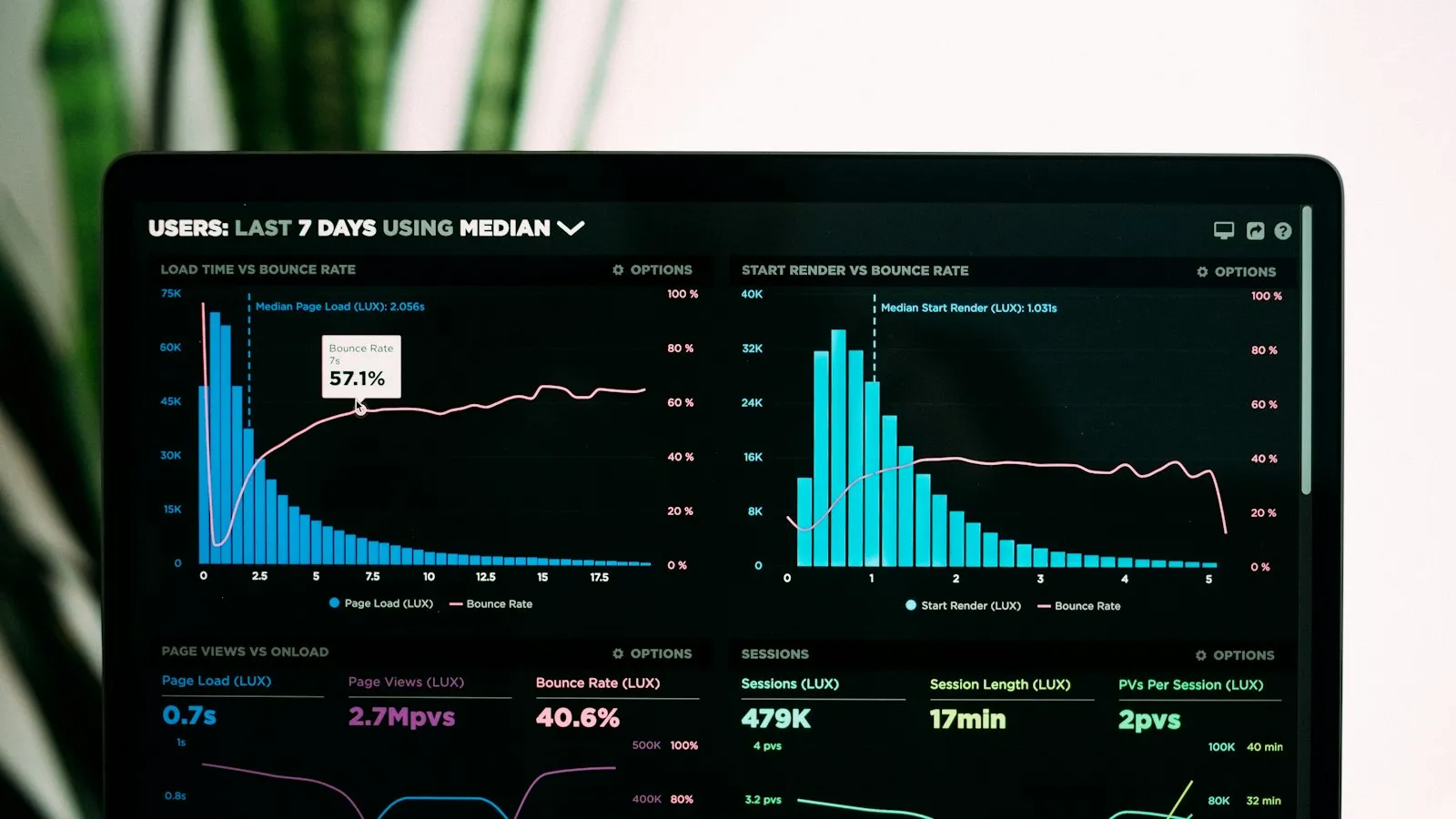
Use lap times and telemetry as evidence. Students make a change, run a lap, record the result and compare, which is a small version of the scientific method.
Many sim titles can show or export information such as speed, braking points and lap splits. Check what your chosen software offers. A simple version works fine with no telemetry at all: students log lap times for a fixed car and track in a spreadsheet, test one variable at a time, and graph the outcome.
Put the screen on the wall using the pod's projector slot, and the class can discuss braking points together instead of each student guessing alone.
What hardware does the racing pod use?
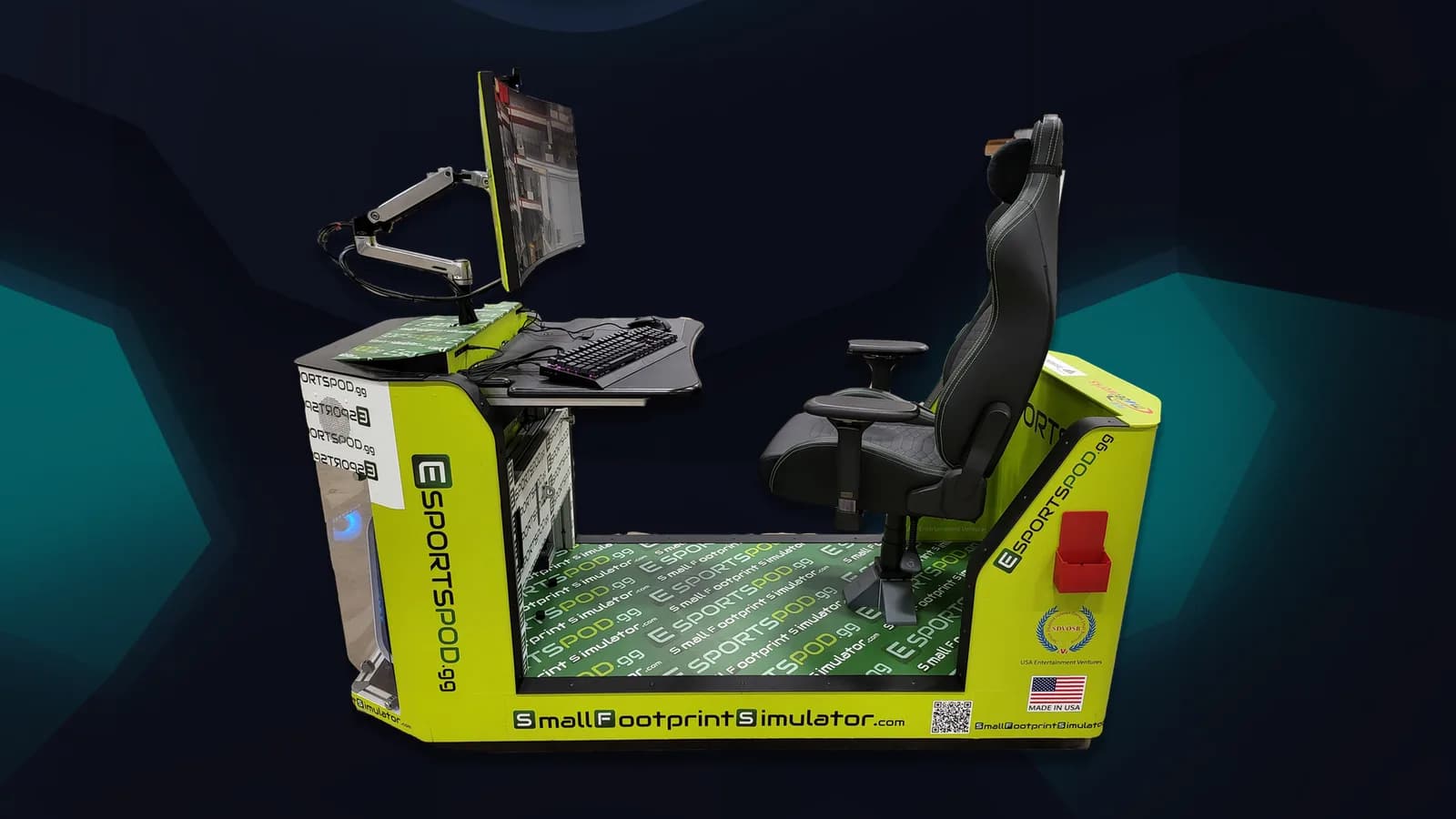
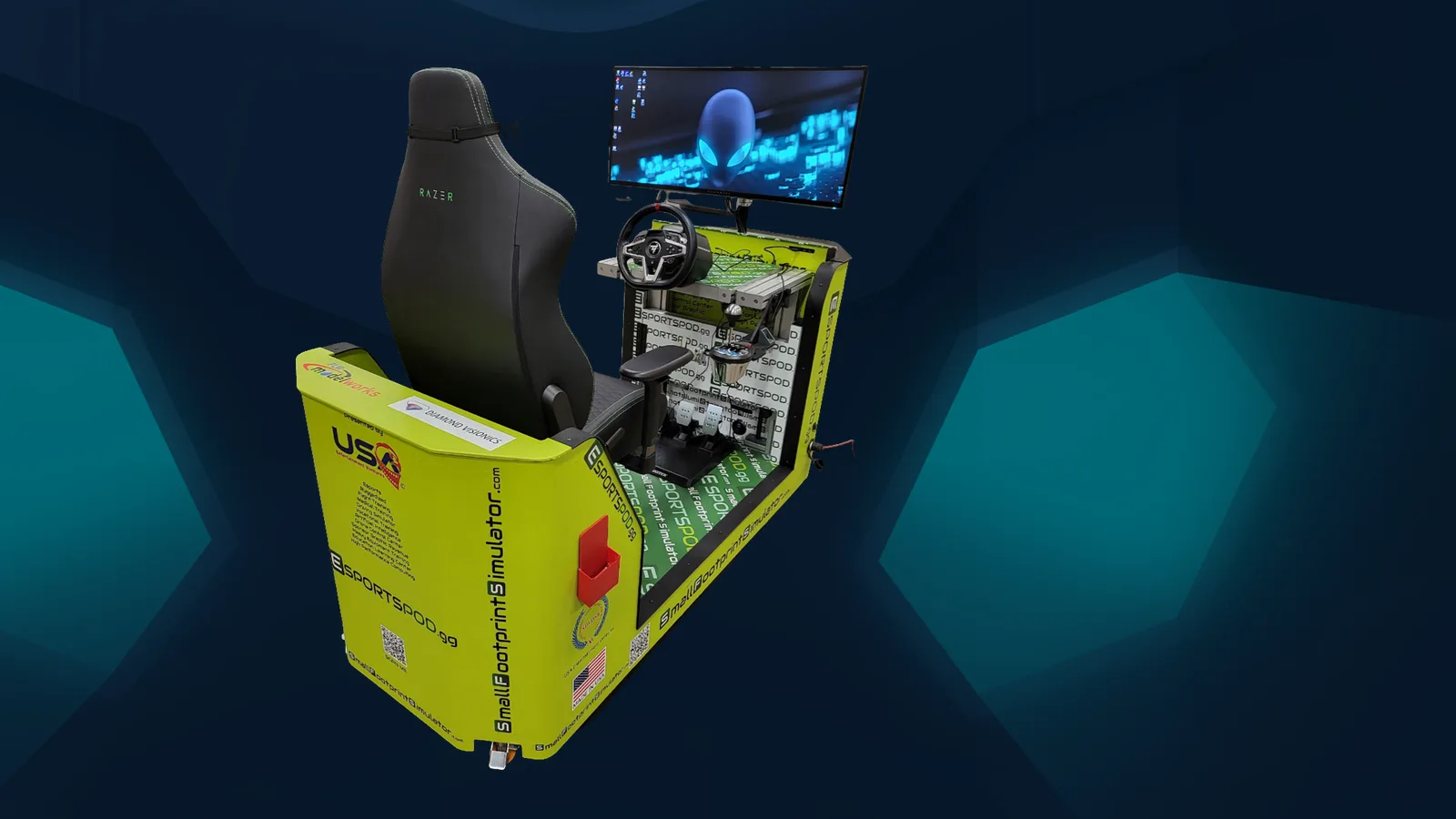
The pod uses a Thrustmaster T248 RS GT wheel, pedals and shifter, with an optional TSS handbrake at $285. Behind it sits an Alienware gaming PC and a 38-inch curved Alienware monitor (3840x1600, 144 Hz, 1 ms).
The wide, curved screen helps with corner entry and judging distance. A Razer Enki chair keeps students comfortable during longer sessions. You can see the whole build on our products page.
How do you run it in a real classroom?
Treat the pod like a lab station and rotate students through it. One seat means one driver at a time, so plan roles around it.
- Driver: runs the laps.
- Recorder: logs times and settings.
- Analyst: graphs results and proposes the next test.
- Engineer: chooses which variable changes between runs.
Rotate every few laps, and have the recorder read results aloud so the whole group hears the pattern. Ask each team to write a one-sentence conclusion after every test, such as which change helped and why they think so. Because the pod rolls through standard doors and runs on a standard 110V outlet, you can bring it to the physics room, the CTE lab or the library, and put it away afterward.
It also connects to a bigger picture of student opportunity, which we cover on our global esports page.
Frequently asked questions
Does sim racing replace a physics lab?
No. A simulator models real forces, but it's still an approximation. Use it to motivate questions, generate data and build intuition, then connect the ideas to hands-on labs and standard instruction. It works best as a bridge between the textbook and the real world.
What racing hardware comes with the pod?
The pod uses a Thrustmaster T248 RS GT wheel, pedals and shifter, sold as a $599.99 wheel set. A TSS handbrake is available for $285. Every pod ships with identical computing hardware, so students get the same experience whichever station they sit at.
Can several students use it in one class period?
Yes, with rotation. The pod has one seat, so assign roles such as driver, recorder and analyst, and rotate every few laps. The projector slot mirrors the screen to a wall, so the rest of the class can follow the driving and discuss the data.
Can students race each other fairly online?
Not on equal terms. Online play across distance always adds ping, so conditions differ. Identical network conditions only hold at in-person LAN events. For fair head-to-head racing, put pods in the same room or schedule a LAN day with another school.
If you'd like to try the wheel yourself, book a demo and we'll set up a racing pod for your team.