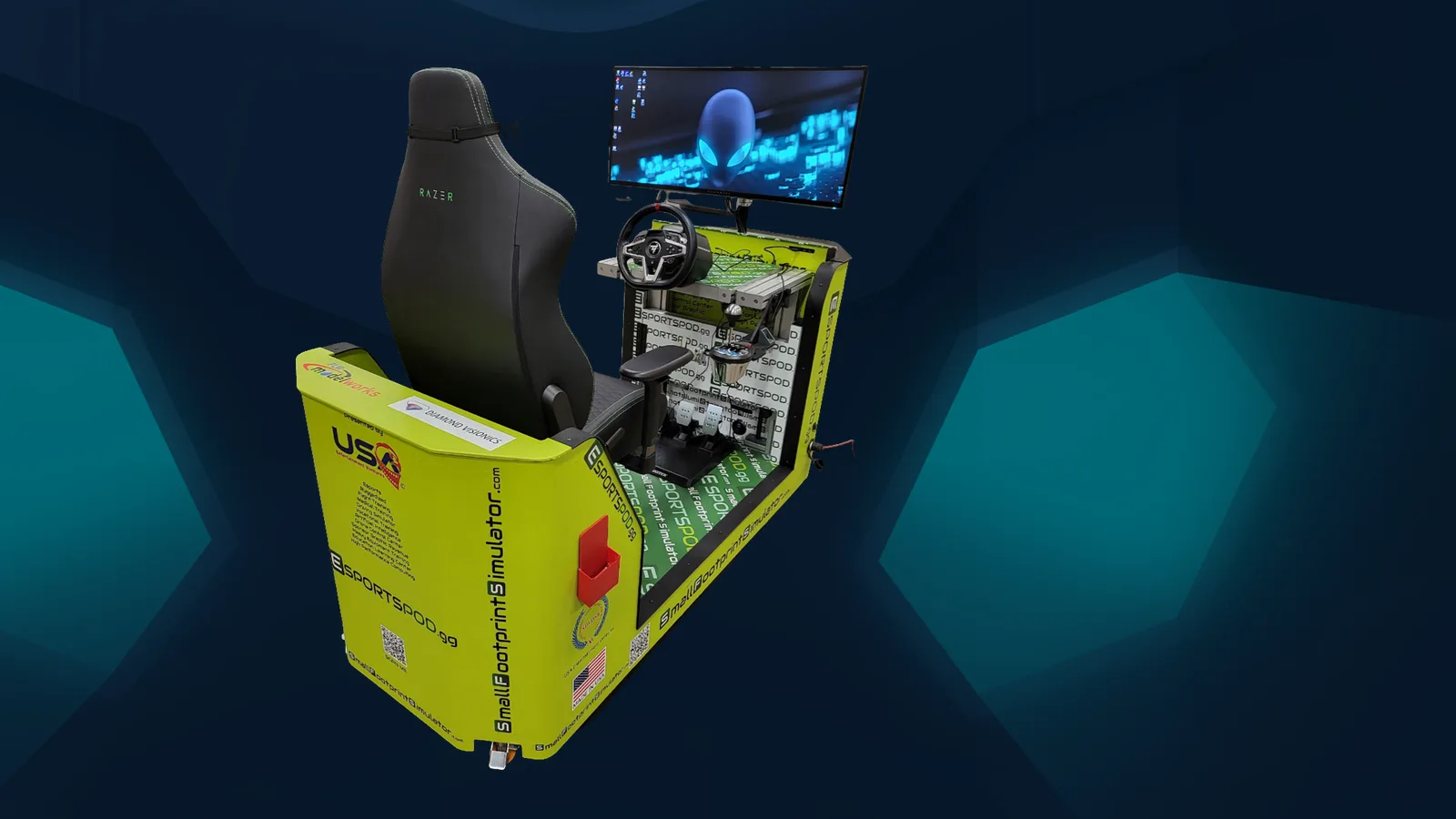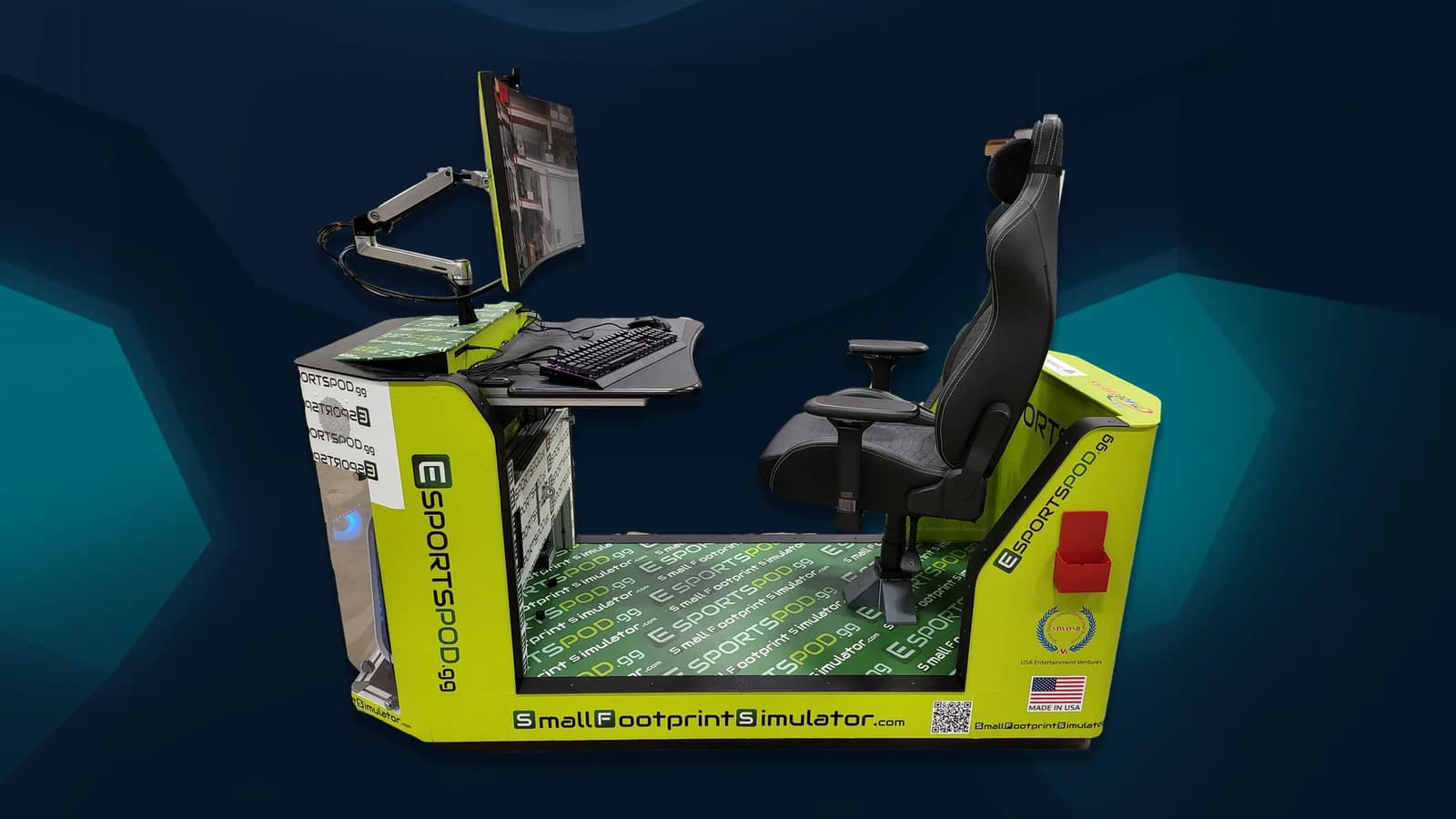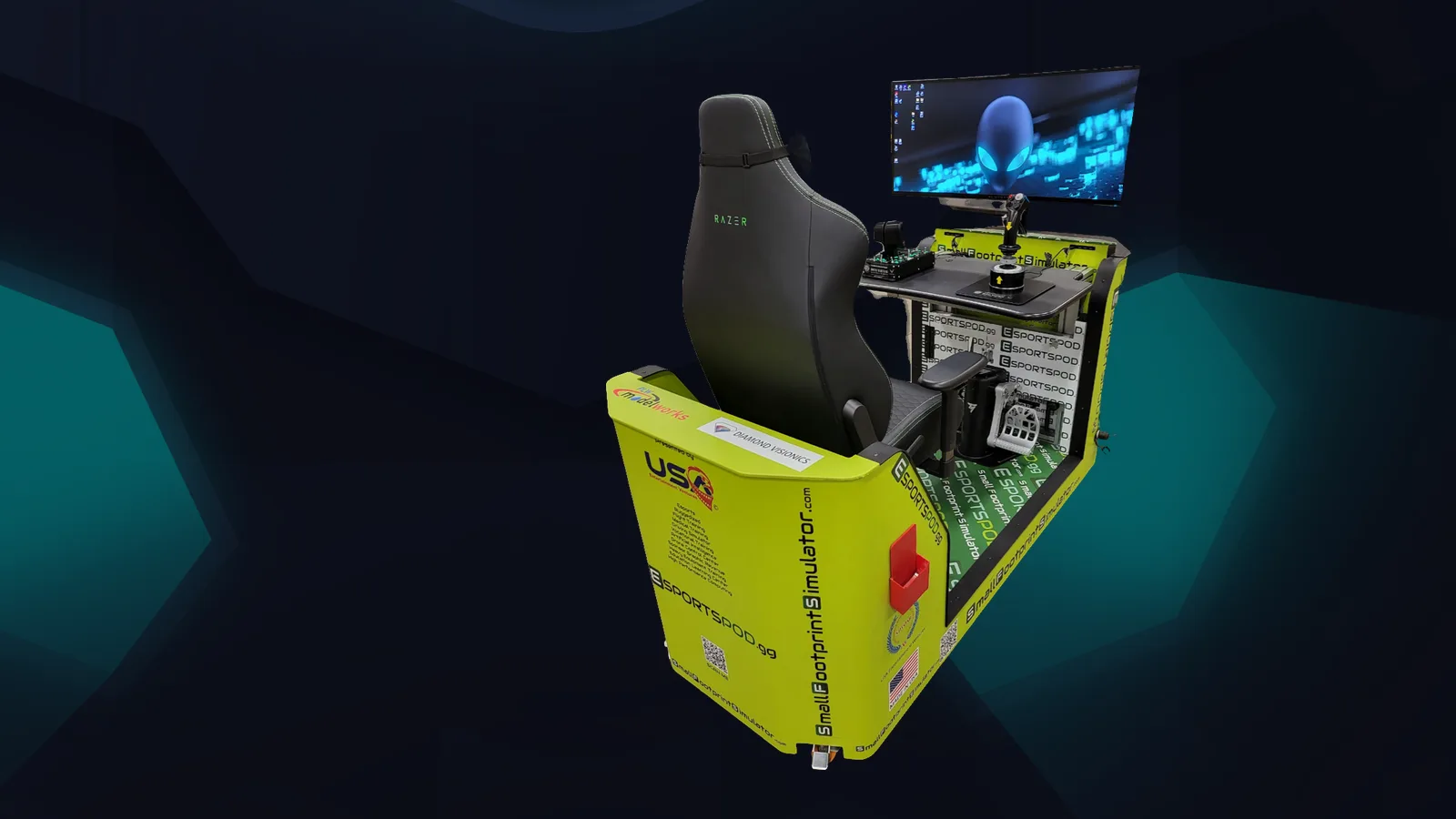
Student safety in a school esports program comes down to four things: clear supervision, written conduct rules, careful account and chat settings, and a culture where students report problems early. The Esport Pod by Sports Media, Inc. is a single-seat station designed for supervised, in-person use, which makes those habits easier to put in place.
Key takeaways
- Supervised, in-person play in a shared space is the simplest safety measure.
- Write a short code of conduct and have students and parents sign it.
- Control chat, friend lists and voice settings before students play online.
- Teach students how to report harassment, and make sure staff act on reports.
What does digital citizenship mean in an esports program?
It means teaching students to behave well online: respectful communication, protecting personal information, handling conflict and knowing when to ask an adult. Esports gives those lessons a real setting, since students are talking to teammates and opponents in the moment.
A club that treats trash talk as a coaching topic, not a punishment topic, tends to do better. Ask students what crosses the line, write down their answers and post them near the pods. Rules students helped write get followed more often than rules handed down.
How do you supervise students at the pod?
Place pods in an adult-supervised room and schedule sessions with staff present. The pod rolls on wheels, fits through standard doors and elevators and runs on a standard 110V outlet, so you can set it up in a classroom, library or activity room where staff can see the screens.
A projector slot mirrors the screen to a classroom wall, which helps with coaching and with visibility. When a session is on a shared display, it's hard for anything inappropriate to go unnoticed.
- Keep a sign-in sheet for each session.
- Assign an adult to the room at all times.
- Review headset and chat use as part of the session routine.
- Keep sessions in common areas rather than closed rooms.
How do you handle online chat and voice safely?
Decide what's allowed before the first online match, and configure accounts to match. Many games let you limit text and voice chat, restrict who can add friends and block unknown players, and those settings are worth setting once and checking regularly.
Online play also means ping and unpredictable opponents. Identical network conditions only hold at in-person LAN events, and online play across distance adds ping. It also adds strangers. For younger students, consider LAN-style play inside the room, or use team-only voice channels with adult oversight.
What should a student code of conduct include?
Keep it to one page and write it in plain language. A good code covers respect, privacy, account security, time limits and consequences, with a clear route for reporting problems.
- Treat teammates and opponents with respect, in person and online.
- Never share your address, school schedule, passwords or other personal details.
- Use only approved accounts and approved games.
- Report bullying, threats or uncomfortable messages to a staff member right away.
- Follow session time limits and take breaks.
Have students and parents sign it. Then use it: if a student breaks a rule, point to the rule, not to your mood.
How should staff respond to harassment or concerns?
Take every report seriously, document it and follow your school's existing policies on bullying and online conduct. Esports isn't a separate legal category; your normal student safety procedures apply.
Tell students plainly that reporting won't get them banned from the pods. Kids stay quiet when they think the messenger gets punished. Also make sure the person receiving reports knows what to do next, whether that's a counselor, administrator or IT contact.
Frequently asked questions
Is online play safe for students?
It can be, with supervision and settings in place. Limit chat and friend requests, use approved accounts and keep sessions in adult-supervised spaces. Online play also adds ping and exposes students to strangers, so many programs start with in-person LAN-style play before moving online.
Who should supervise esports sessions?
A teacher, coach, librarian or program lead who's trained on your school's student safety policies. The key is that an adult is present and attentive during every session. Mirroring the screen to a classroom wall through the projector slot also improves visibility.
Does Sports Media, Inc. provide training?
Each deployment includes installation, training and sponsorship support from Sports Media, Inc. Your own policies on conduct, supervision and reporting still apply, and your school should adapt them to its situation. We're glad to talk through how other programs set up their routines.
How do we talk to parents about esports safety?
Be upfront. Share the code of conduct, explain the supervision plan and describe what games are played and why. Invite parents to a session. Parents are usually more comfortable once they see a supervised room and a clear process for reporting concerns.
If you're building a program and want to see how the pod fits a supervised space, book a demo. You can also read about the pod hardware or explore student internship opportunities connected to the program.