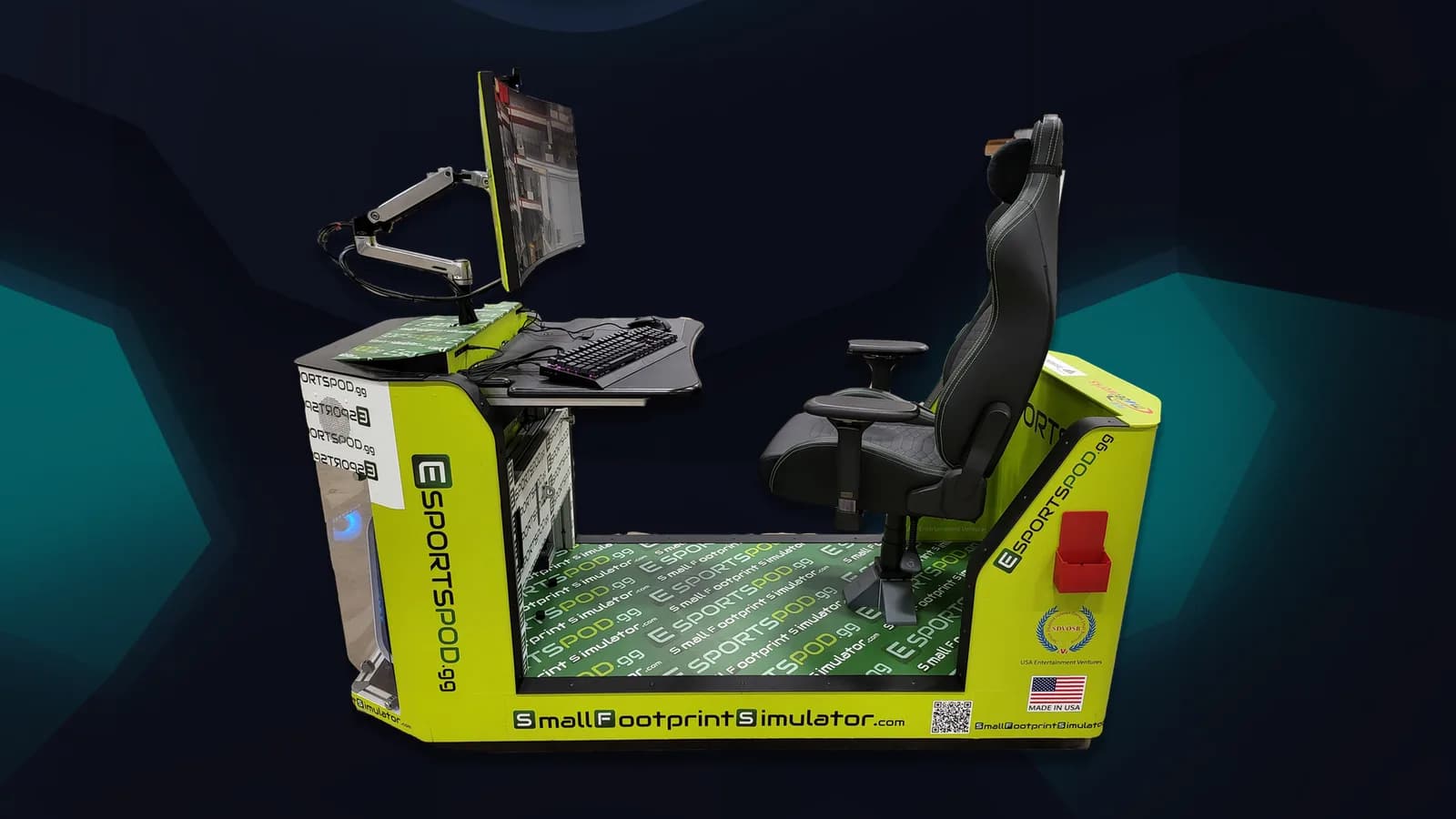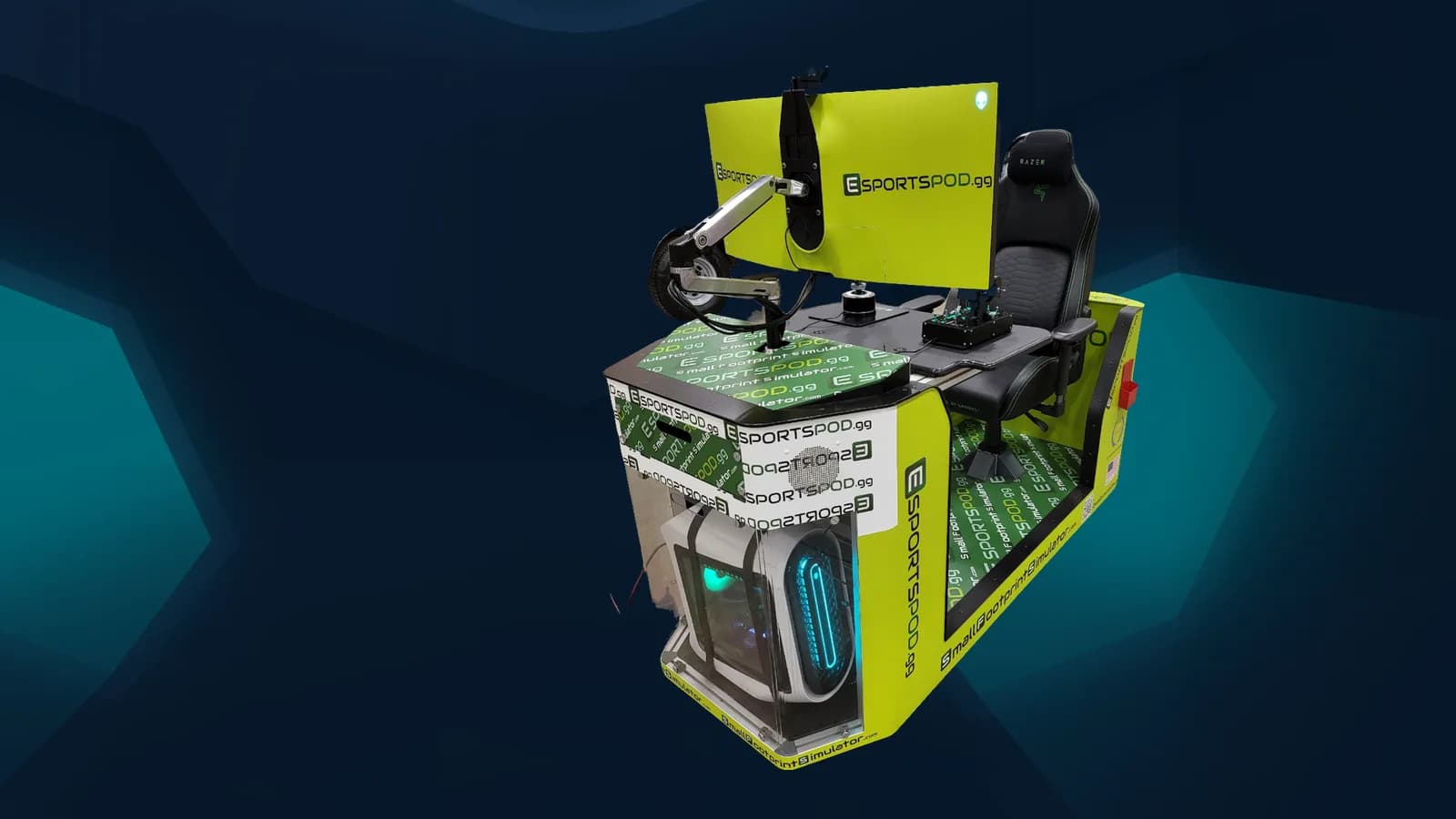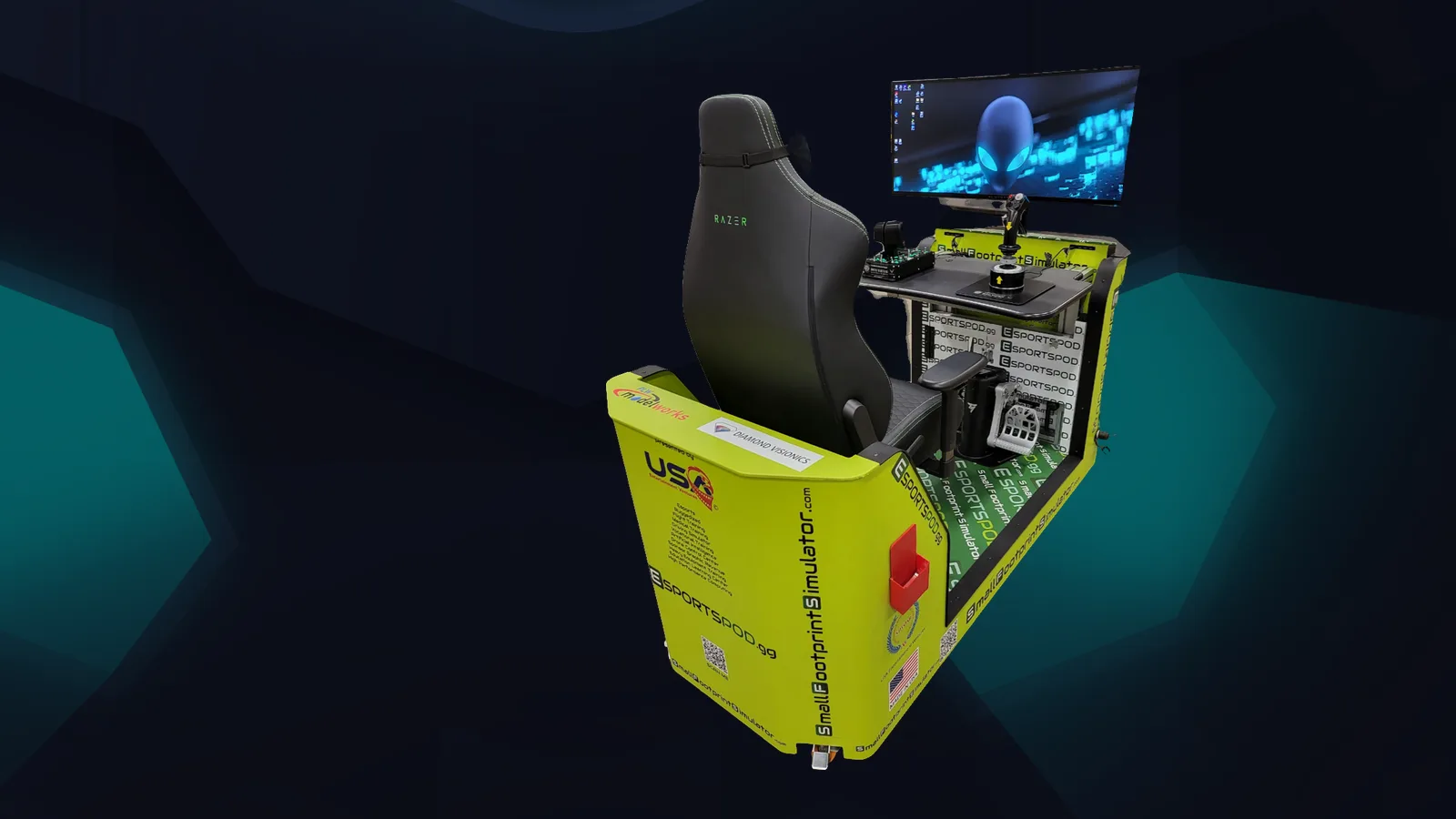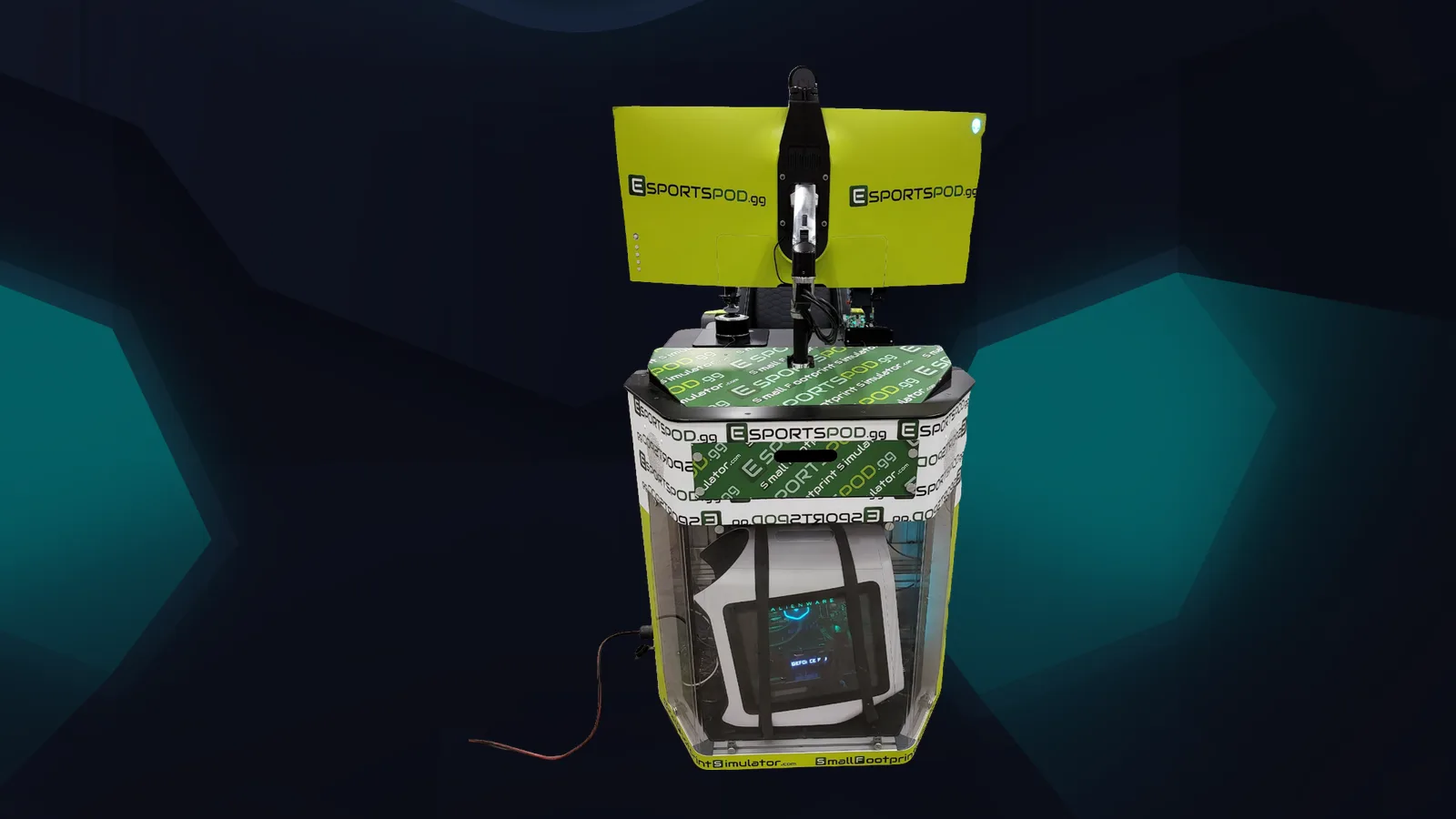
Student streamers can use the Razer Kiyo streaming camera and Razer Kraken V3 HyperSense headset that come with each Esport Pod to practice live broadcasting, build a consistent channel and learn how an audience works. Esport Pod by Sports Media, Inc. includes both, so a school doesn't need to buy a separate streaming kit to get started.
The gear is the easy part. The habits, safety rules and schedule are what separate a channel from an abandoned account.
Key takeaways
- The pod includes a camera and headset, so students can start without extra purchases.
- Consistency beats production value for new channels.
- Schools should set safety, privacy and content rules before anyone goes live.
- Streaming builds communication, production and community skills that carry beyond games.
- Do not expect a channel to grow on a fixed timeline.
What do students get in the pod for streaming?
Each pod includes a Razer Kiyo streaming camera and a Razer Kraken V3 HyperSense headset, along with the Alienware PC and 38-inch curved monitor. That is enough hardware for a student to show their face, talk to chat and play at the same time.
What a student still needs: an account on a streaming platform (with parent consent where required), streaming software chosen with the IT team, and a plan. Check with your IT lead before installing anything on a pod.
How does a student build a channel?
Slowly, and on purpose. Nobody can honestly promise growth numbers, so focus on what students control.
- Pick a focus. One game or one format, such as coaching, speedrunning, school sports commentary or weekly scrim reviews.
- Set a schedule. Two predictable sessions a week are better than seven chaotic ones. Put the days in the channel description.
- Talk to chat. Even a tiny audience is practice for reading a room. Narrate what you're doing and why.
- Review the recording. Watch five minutes back each week and write down one thing to change.
- Keep it clean. Titles, panels and graphics should look like they belong to one channel.
What safety rules should schools set?
Write them down before launch. Streaming puts a student's face, voice and sometimes location in front of strangers.
- Get parent or guardian consent in line with district policy.
- Never show addresses, schedules, school names on signs or personal messages on screen.
- Moderate chat, using the platform's tools and a trained adult or student moderator.
- Decide whether streams happen on school accounts, student accounts or both.
- Establish what is off limits: language, titles, topics and sponsorship claims.
What skills does streaming teach?
More than most people expect. Students learn to speak clearly while doing something else, handle mistakes in public, run audio levels, manage a schedule and respond to feedback. Those are the same skills used in broadcast, marketing, customer service and event production.
Students who produce for others can learn even more. Camera operation, replays, graphics and shoutcasting are all real roles at live events. Our internships show how students can work on this side of the business.
Can students earn sponsorships or money?
Sometimes, but treat it as a bonus rather than a plan. Rules about minors, NIL, school branding and platform monetization vary, so students and families should check them first. Sports Media, Inc. offers digital rights and NIL access for student athletes within its sponsorship framework, which you can read about on the sponsorship page.
| Setup step | Who handles it |
|---|---|
| Account creation and consent | Student, family, program lead |
| Software approval | IT lead |
| Chat moderation | Trained moderators |
| Weekly review | Student with advisor |
Frequently asked questions
Do students need extra equipment to stream from a pod?
Not to begin. Each pod includes a Razer Kiyo streaming camera and a Razer Kraken V3 HyperSense headset. Students will still need approved streaming software and a platform account, and your IT team should confirm the setup before anyone goes live.
How long before a channel grows?
There's no reliable timeline, and nobody should promise one. Growth depends on the content, consistency, game choice and luck. Students are better off setting goals they control, like streaming twice a week for a semester, and judging progress by skills learned.
Is streaming safe for minors?
It can be, with clear rules. Get consent, keep personal information off screen, moderate chat and have an adult review the setup. Follow your district's policy and the platform's age requirements, and revisit the rules whenever the student's channel or audience changes.
Can a school run its own team channel?
Yes. A shared team channel lets students rotate through roles like player, caster and producer under adult supervision. It also keeps the school's branding in one place and makes moderation simpler than managing many individual accounts.
Next step
To see the camera, headset and the rest of the hardware, visit the products page. If you want to talk through how a school stream program could work, book a demo and bring your safety questions.