A student creator can start streaming with a modest setup: a computer that handles the game, a clear microphone, a basic webcam, stable internet and free software. Audio quality matters more than fancy lighting, and consistency matters more than either. Spend money only after you've streamed enough to know what you actually need.
Key takeaways
- Clear audio beats a pricey camera.
- Free streaming software is enough to start.
- A stable connection is more useful than a faster one that drops.
- Safety and privacy rules matter more for students than for anyone else.
- Upgrade one thing at a time, and only when you feel the limit.
What do you need to start streaming?
Less than the internet suggests. The basics are a computer or console that can run your game and stream at once, a microphone, an internet connection, an account on a platform and software to broadcast.
- Computer or console: If the game barely runs, streaming it will be worse.
- Microphone: A headset mic works fine at first. A separate USB mic is an upgrade.
- Camera: Optional. Many successful streams show no face.
- Internet: Wired connections are usually steadier than Wi-Fi where possible.
- Software: Free options exist and are widely used.
What should you spend money on first?
Audio. People forgive a grainy picture, but they leave when they can't hear you. Next, upgrade your connection reliability, then lighting, then the camera. Everything else, including fancy overlays and RGB, can wait.
| Priority | Item | Why |
|---|---|---|
| 1 | Microphone or good headset | Clear voice keeps viewers |
| 2 | Stable internet | Fewer drops and stutters |
| 3 | Lighting | Makes any camera look better |
| 4 | Camera | Helps connection with viewers |
| 5 | Overlays and extras | Polish, not substance |
How do you set up a scene without overthinking it?
Keep it simple. One scene with your game, one small camera box if you use a camera, and one alert or chat box. That is enough. Add scenes for starting soon, brb and ending only when you've streamed a few times.
Test before going live. Record a short clip, play it back and check game audio against your voice. If you have to guess which is louder, it's probably wrong.
What safety rules should student creators follow?
Treat a stream like a public place, because it is. Check platform age requirements and get parent or guardian approval. Keep addresses, school names, schedules and personal messages off screen. Turn on moderation tools and decide who can chat.
If you stream through a school program, follow the school's policy and ask before using school branding. Rules differ by district, so ask your advisor.
How do you keep going without burning out?
Set a schedule you can keep. Two sessions a week for a semester beats seven in the first week and then silence. Watch your recordings, change one thing at a time and ignore anyone who promises quick growth. No one can guarantee it.
What does a school-supplied setup look like?
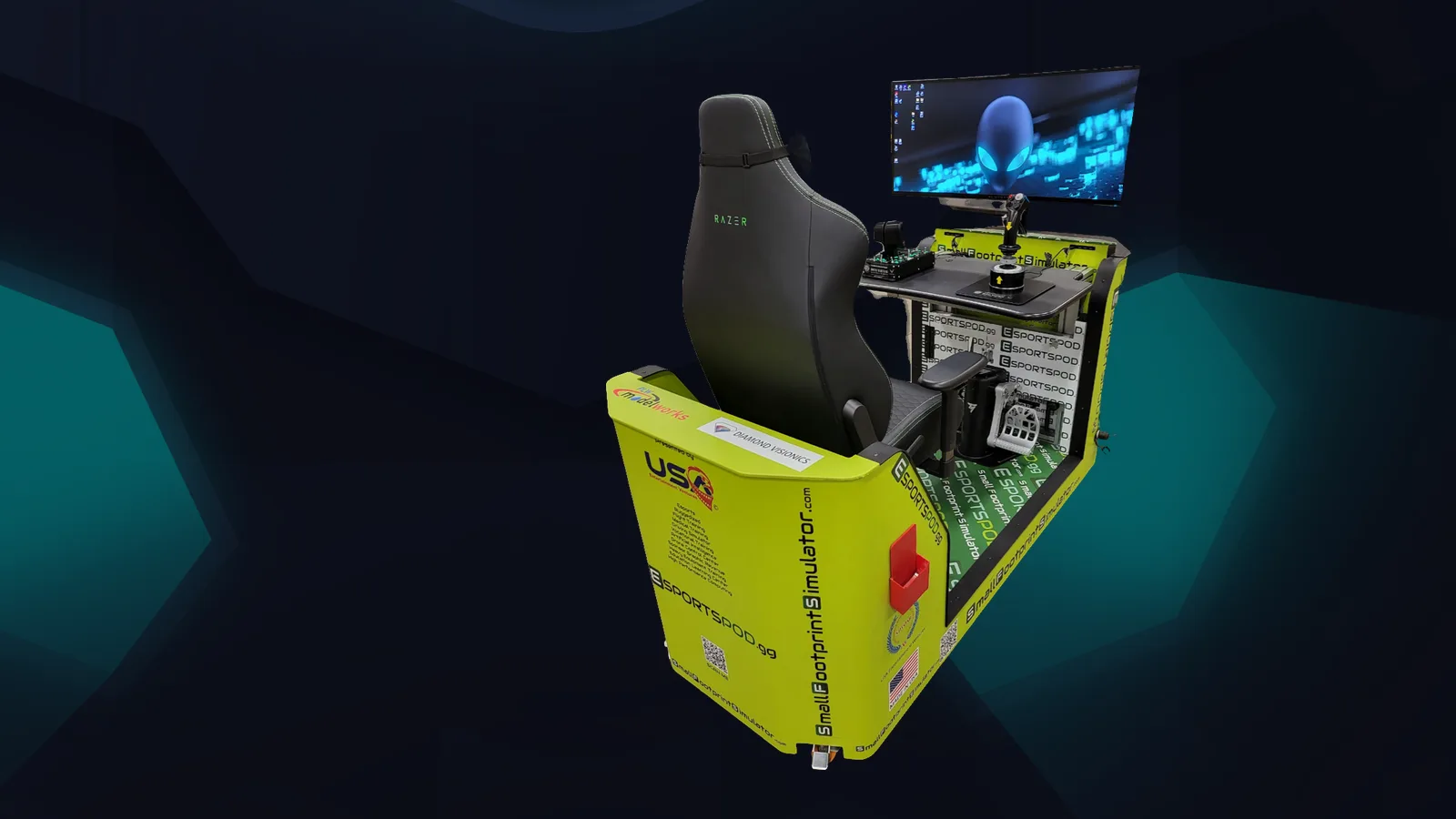
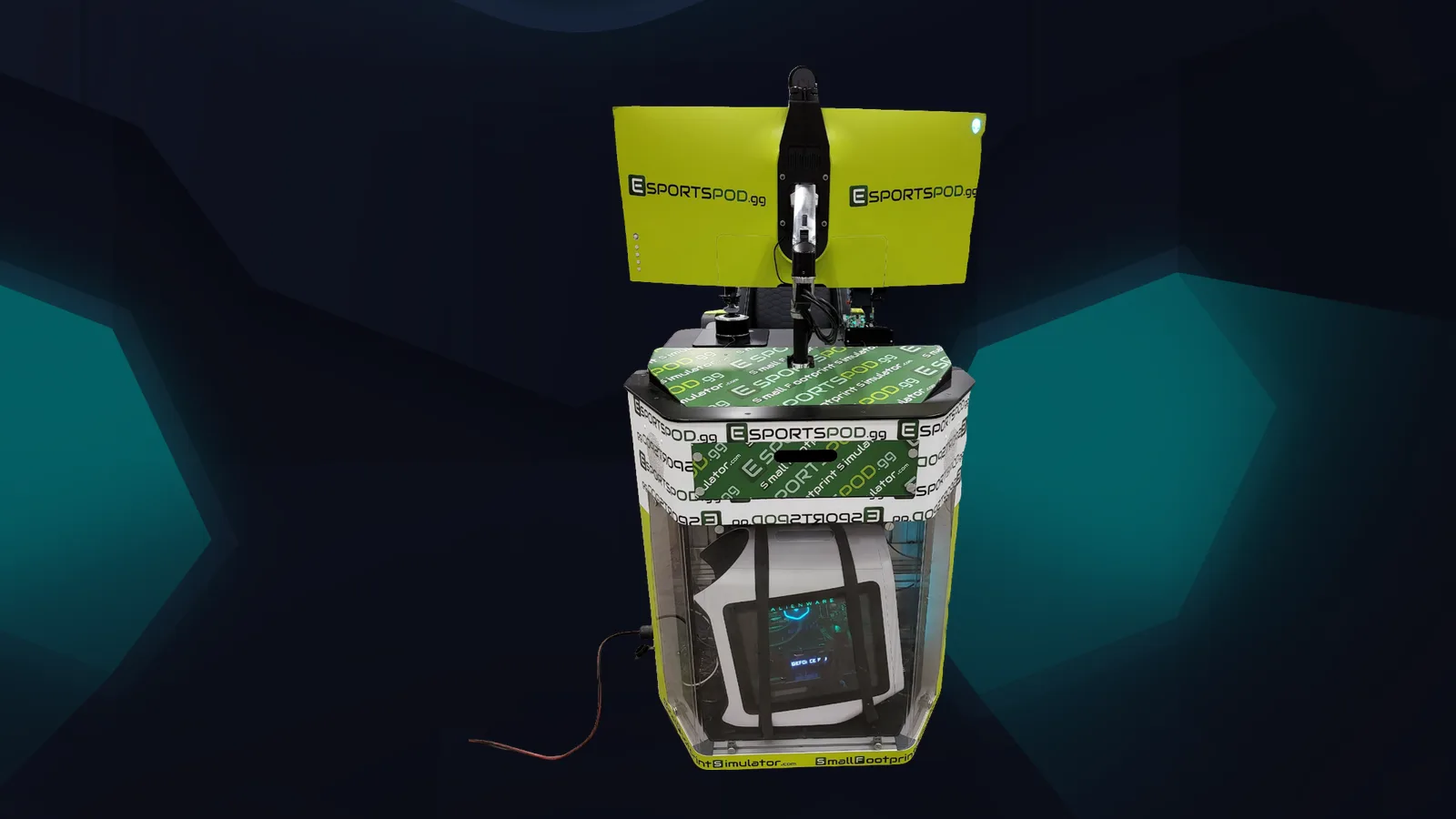
Some students don't need to buy anything. Esport Pod by Sports Media, Inc. includes a Razer Kiyo streaming camera and Razer Kraken V3 HyperSense headset along with an Alienware PC and 38-inch curved monitor, so a school with pods already has a full station. See our blog for more on student streaming.
What can wait until later?
Most of what gets advertised. Capture cards, mixers, extra monitors, light bars and elaborate overlays all have a place, but not in week one. Stream a dozen times first, note what annoyed you, and buy to fix that problem. Our internships page shows how students can take streaming and production skills further.
Frequently asked questions
How much does a basic streaming setup cost?
It varies widely, and the honest answer is that it depends on what you already own. Many students begin with a computer, a headset and free software. Add a microphone, lighting or a camera later, after you've learned what limits your streams.
Do I need a webcam to stream?
No. Lots of streams show only gameplay and voice. A camera helps viewers connect with you, but it's optional. If you do use one, good lighting matters more than camera price, and you should be comfortable with what's visible behind you.
Is Wi-Fi good enough for streaming?
Sometimes. A wired connection is typically steadier, which matters when you're sending video upstream. If Wi-Fi is your only option, test it at the time of day you plan to stream and watch for drops or stuttering during a recording.
What software should I use?
Free, widely used broadcasting programs are enough to start, and your platform's own tools also work. Pick one, learn it well and avoid switching constantly. If you're using a school computer, ask the IT team before installing anything.
Connecting to the pod program
Schools that want students streaming from a ready-made station can look at the Esport Pod products page.